使用 Maven Assembly 插件创建 fat JAR
Maven Assembly 插件 提供了将项目输出合并为单个可分发归档文件的能力,该归档文件包含依赖项、模块、站点文档和其他文件。
配置 Assembly 插件
要构建 assembly,您需要首先配置 Assembly 插件:
导航到 pom.xml 文件并确保已指定 应用程序主类:
xml<properties> <main.class>io.ktor.server.netty.EngineMain</main.class> </properties>在此示例中,使用
EngineMain来创建服务器,因此应用程序的主类取决于所使用的引擎。如果您使用 embeddedServer,则应用程序的主类为:com.example.ApplicationKt。将
maven-assembly-plugin添加到plugins块中:xml<plugin> <groupId>org.apache.maven.plugins</groupId> <artifactId>maven-assembly-plugin</artifactId> <version>3.7.1</version> <configuration> <descriptorRefs> <descriptorRef>jar-with-dependencies</descriptorRef> </descriptorRefs> <archive> <manifest> <addClasspath>true</addClasspath> <mainClass>${main.class}</mainClass> </manifest> </archive> </configuration> <executions> <execution> <id>assemble-all</id> <phase>package</phase> <goals> <goal>single</goal> </goals> </execution> </executions> </plugin>
构建 assembly
要为应用程序构建 assembly,请打开终端并执行以下命令:
Bash
mvn package这将为 assembly 创建一个新的 target 目录,其中包括 .jar 文件。
要了解如何使用生成的软件包通过 Docker 部署您的应用,请参阅 Docker 帮助主题。
运行应用
要运行构建好的应用,请按照以下步骤操作:
在新的终端窗口中,使用
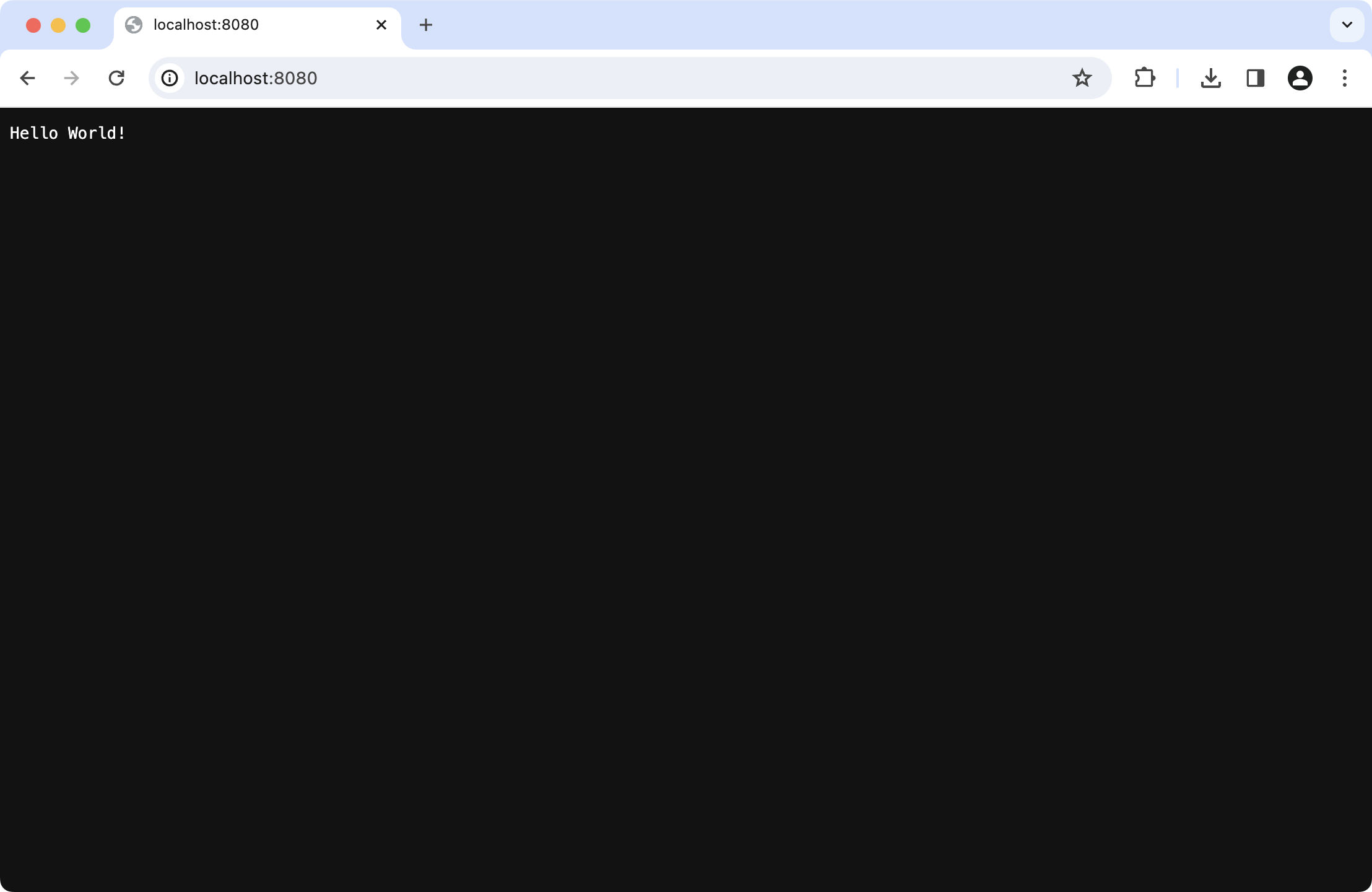
java -jar命令运行应用程序。对于示例项目,如下所示:Bashjava -jar target/tutorial-server-get-started-maven-0.0.1-jar-with-dependencies.jar应用运行后,您将看到一条确认消息:
Bash[main] INFO Application - Responding at http://0.0.0.0:8080点击 URL 链接在默认浏览器中打开应用: