使用 Maven Assembly 外掛程式建立 fat JAR
Maven Assembly 外掛程式提供了將專案輸出合併為單一可發佈程序集的能力,該程序集包含相依性、模組、站台文件和其他檔案。
設定 Assembly 外掛程式
若要建置程序集,您需要先設定 Assembly 外掛程式:
瀏覽至 pom.xml 檔案並確保已指定 主應用程式類別:
xml<properties> <main.class>io.ktor.server.netty.EngineMain</main.class> </properties>在此範例中,使用
EngineMain來建立伺服器,因此應用程式的主類別取決於所使用的引擎。如果您使用 embeddedServer,應用程式的主類別為:com.example.ApplicationKt。將
maven-assembly-plugin新增至plugins區塊:xml<plugin> <groupId>org.apache.maven.plugins</groupId> <artifactId>maven-assembly-plugin</artifactId> <version>3.7.1</version> <configuration> <descriptorRefs> <descriptorRef>jar-with-dependencies</descriptorRef> </descriptorRefs> <archive> <manifest> <addClasspath>true</addClasspath> <mainClass>${main.class}</mainClass> </manifest> </archive> </configuration> <executions> <execution> <id>assemble-all</id> <phase>package</phase> <goals> <goal>single</goal> </goals> </execution> </executions> </plugin>
建置程序集
若要為應用程式建置程序集,請開啟終端並執行以下指令:
Bash
mvn package這將為該程序集建立一個新的 target 目錄,其中包括 .jar 檔案。
若要了解如何使用產出的套件透過 Docker 部署您的應用程式,請參閱 Docker 說明主題。
執行應用程式
若要執行建置好的應用程式,請按照以下步驟操作:
在新的終端視窗中,使用
java -jar指令來執行應用程式。對於範例專案,如下所示:Bashjava -jar target/tutorial-server-get-started-maven-0.0.1-jar-with-dependencies.jar當您的應用程式執行時,您將看到一條確認訊息:
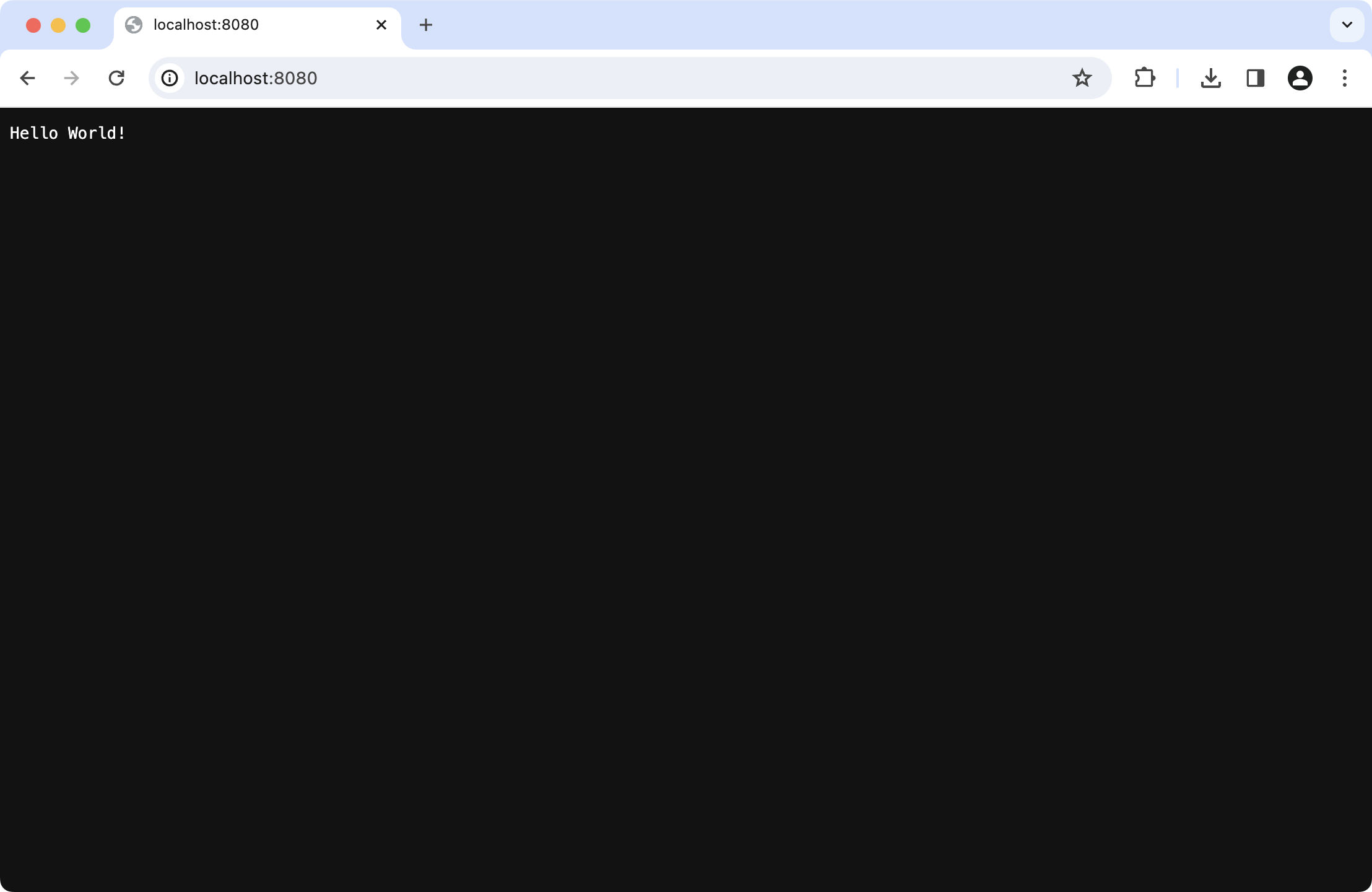
Bash[main] INFO Application - Responding at http://0.0.0.0:8080點擊 URL 連結以在您的預設瀏覽器中開啟應用程式: